Anime background generator for scenes in your style

Your scene appears here

Describe a place or tap a recipe, and 4 drafts shaped for 4K desktop appear here.

Or tap a scene recipe
Screen
Time of day
Weather
Style
Cast
Sign up for 83 free credits

A round of 4 drafts costs 72 credits, and your free credits cover one round plus a phone wallpaper. No card needed.

An anime background is the place behind the story: the rooftop, the rainy street, the room with the desk lamp. This anime background generator draws those places from your description or from 8 scene recipes, with the time of day, the weather and the art style you pick, in cel, painterly, watercolour or 90s retro looks. Leave the scene empty for a clean background, or add a small figure with a pose and framing.

Updated

How to do it in the studio

  1. 1

    Describe the place

    Type the place in your own words (up to 400 characters) or tap a scene recipe such as Rooftop, Rainy street, Countryside train or Shrine path.

  2. 2

    Set the light and the style

    Choose morning, day, dusk or night, a weather (clear, clouds, rain, snow or petals) and an art style. Leave the cast on "No one" for an empty background.

  3. 3

    Pick the shape and draw

    Pick a screen shape (16:9 for most projects, tall for phones and posters) and draw 4 drafts. Upscale the one you like for a large, clean file.

Who it helps

  • Backgrounds for comics, games and short animations
  • Concept art for a place before you draw it by hand
  • Classroom and club posters with an anime look
  • Art practice: studying light and colour at different times of day
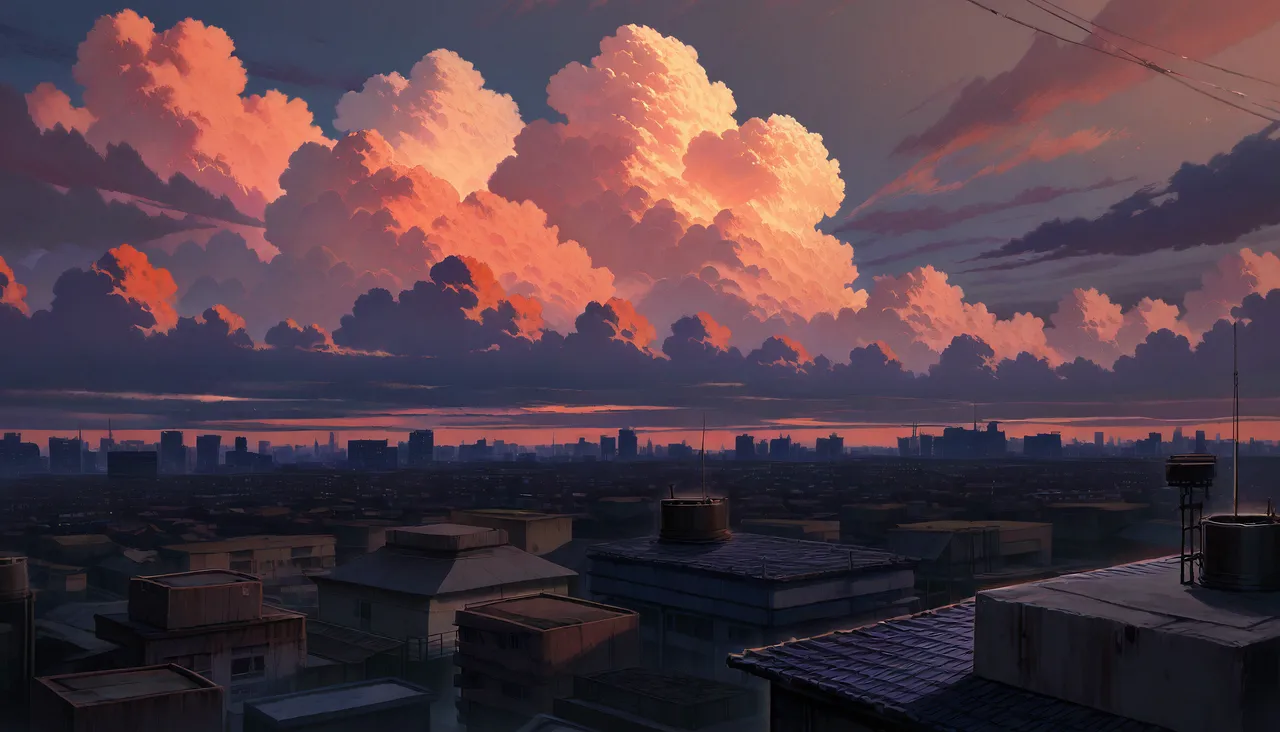
An anime city rooftop with water tanks and power lines, the skyline beyond, at four times of day
4K desktop · 5376×3072 · Animagine XL 4.0
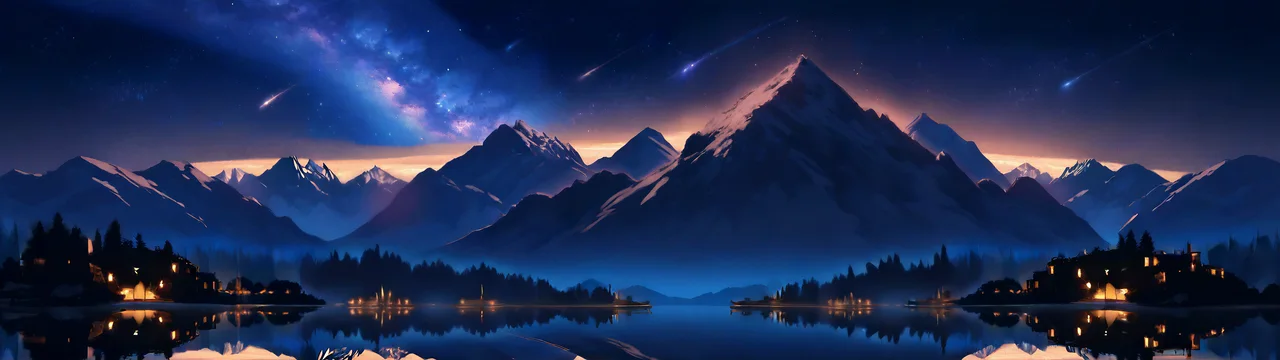
A 32:9 dual-monitor wallpaper of a mountain lake under the milky way, village lights on the shore
32:9 dual monitor · 6144×1728 · Animagine XL 4.0
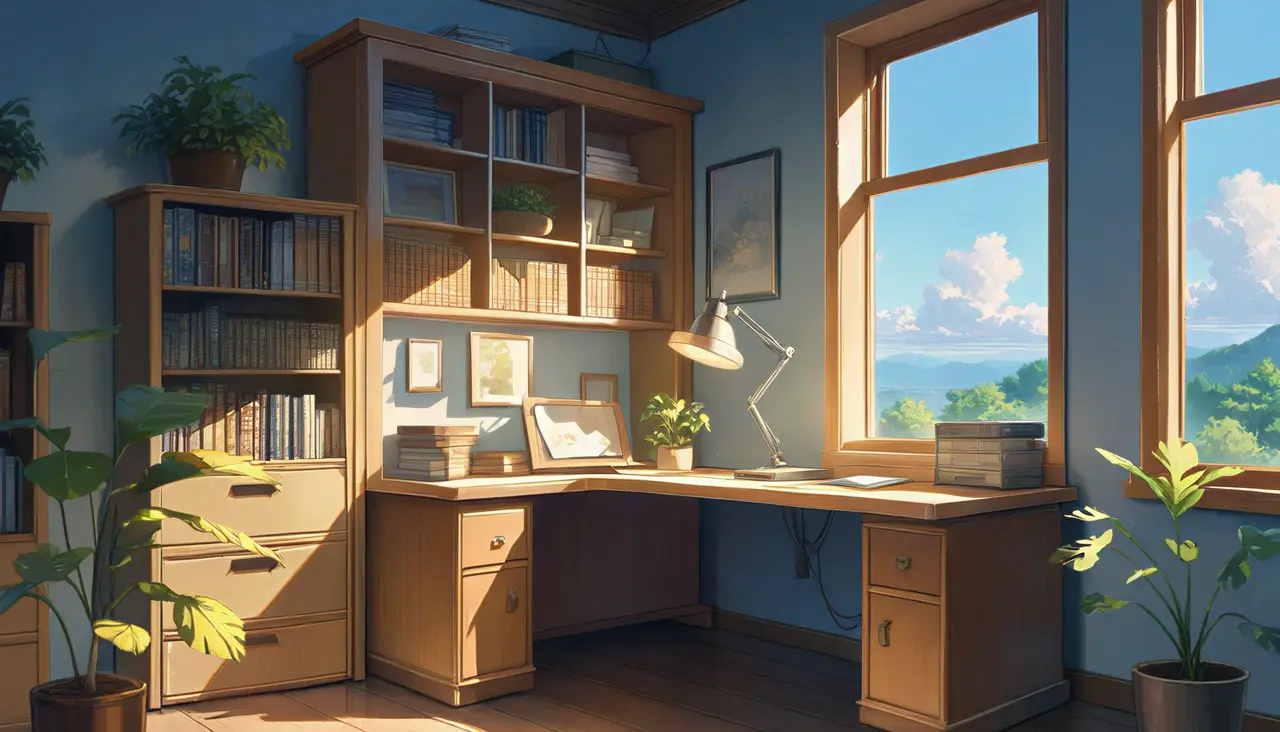
A 16:9 visual novel background of a sunny study with plants, bookshelves and a desk lamp, no people
1080p / 1440p · 2688×1536 · Animagine XL 4.0
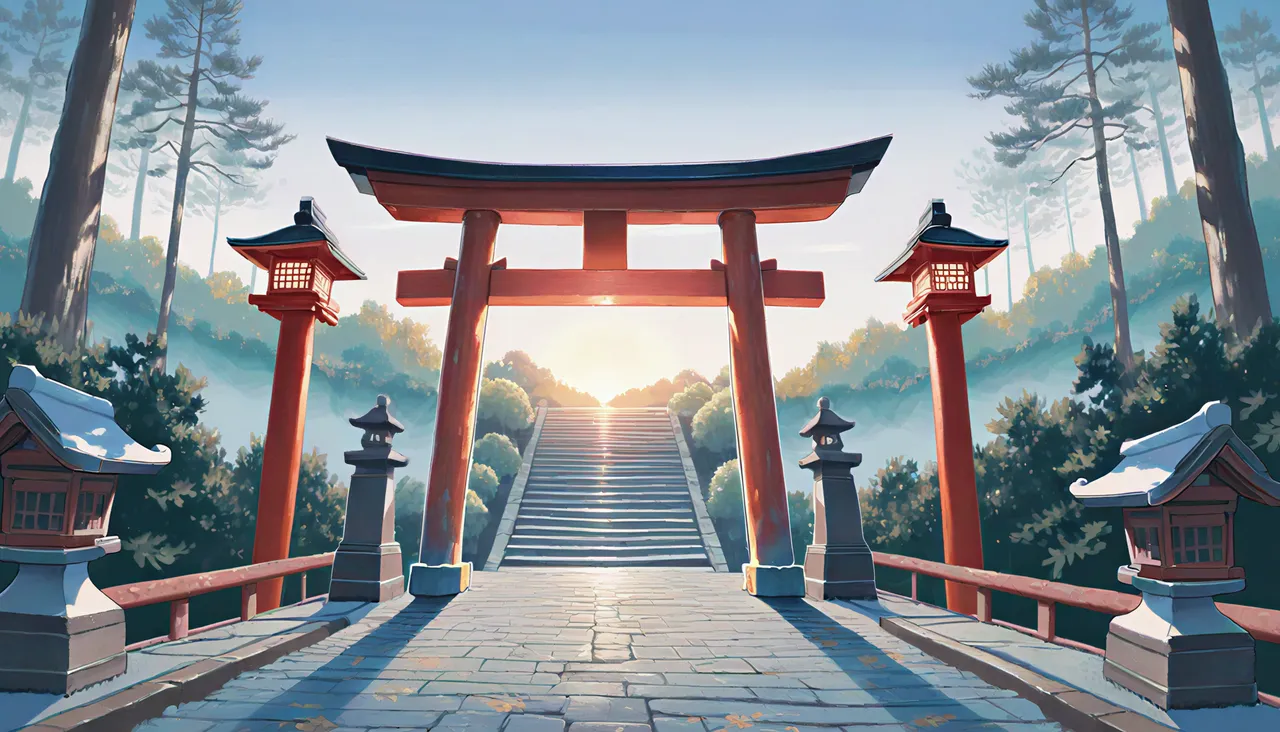
A 16:9 visual novel background of stone steps through a red shrine gate in the morning light
1080p / 1440p · 2688×1536 · Animagine XL 4.0

01

Four art styles, and when to use each

Cel gives flat colour and crisp outlines, like a TV series frame, and suits backgrounds for characters drawn in the same flat style. Painterly gives soft, detailed light like a theatrical feature film background, and suits wallpapers and key art. Watercolour gives paper texture and gentle edges, good for calm, nostalgic scenes. 90s retro adds grain, warmer colours and the slightly hazy look of hand-painted cels from that decade.

02

Empty scenes or scenes with people

Backgrounds for your own characters work best empty: set the cast to "No one" and the model is asked to leave the street, room or field clear. If you want life in the scene, pick one, two or a small group of figures, a pose (standing, walking, sitting, looking back or seen from behind) and a framing (wide, mid or close). Figures are always original and fully clothed.

03

Keeping a background original

Series names, studio names and named characters are refused before any credits are spent. That keeps every background your own and avoids look-alikes of protected work. Describe what makes a place feel right to you instead: the shape of the street, the signs, the season, the light.

Credits per round and per wallpaper

You see the cost before a job runs. Failed and refused jobs are refunded. Plans and credit packs

Drafts are drawn with Animagine XL 4.0 at 18 credits each, 4 to a round. The wallpaper price is the upscale of the draft you pick.
ScreenRound of 4Wallpaper
Phone1296×28007211
Tablet2304×17287211
1080p / 1440p2688×15367211
4K desktop5376×30727223
21:9 ultrawide6144×25607223
32:9 dual monitor6144×17287223

Common questions on this topic

Which model draws the backgrounds?

Animagine XL 4.0 by Cagliostro Research Lab, an anime-trained image model, with MiniMax H3 Image as the fallback if the first is unavailable.

Can I get a background with no people at all?

Yes. Leave the cast on "No one" and the model is told to keep the scene empty.

How big are the files?

Drafts are about one megapixel in the shape you chose. Upscaled backgrounds go up to 5376×3072 for 16:9 and 6144×1728 for 32:9.

What does it refuse?

Sexual content, any suggestive content involving young-looking characters, named series, studios and characters, and real people. Refused drafts never charge credits.