Anime wallpaper generator, sized for your screen

Your scene appears here

Describe a place or tap a recipe, and 4 drafts shaped for 4K desktop appear here.

Or tap a scene recipe
Screen
Time of day
Weather
Style
Cast
Sign up for 83 free credits

A round of 4 drafts costs 72 credits, and your free credits cover one round plus a phone wallpaper. No card needed.

This anime wallpaper generator starts from the screen, not from a square picture you have to crop. Pick a phone, tablet, 1080p, 4K desktop, 21:9 ultrawide or 32:9 dual monitor, describe a place or pick a scene recipe, and the studio draws 4 drafts composed for that shape. Choose the one you like and it is upscaled to a master of up to 6144×2560 pixels; then download the exact size of your device, cut in the browser for free.

Updated

How to do it in the studio

  1. 1

    Pick your screen

    Choose phone, tablet, 1080p, 4K, 21:9 or 32:9. The drafts are drawn in that screen's shape, so a phone wallpaper is tall from the start. A dual-monitor scene is drawn wide at 21:9 and shown as the 32:9 strip you will get.

  2. 2

    Describe the scene

    Write a place in up to 400 characters, or tap one of 8 scene recipes, then set the time of day, weather and art style. Add a small figure if you like, with a pose and framing.

  3. 3

    Pick a draft, get the wallpaper

    Choose one of the 4 drafts. It is upscaled to the screen's master size (11 credits for phone, tablet and 1080p, 23 for 4K, ultrawide and dual), and the download menu cuts any listed device size for free.

Who it helps

  • A matching lock screen and desktop from the same scene
  • Ultrawide and dual-monitor setups that stretch ordinary wallpapers
  • A wallpaper set that follows the day: morning, day, dusk and night
  • Students and desk setups that want a calm, original background
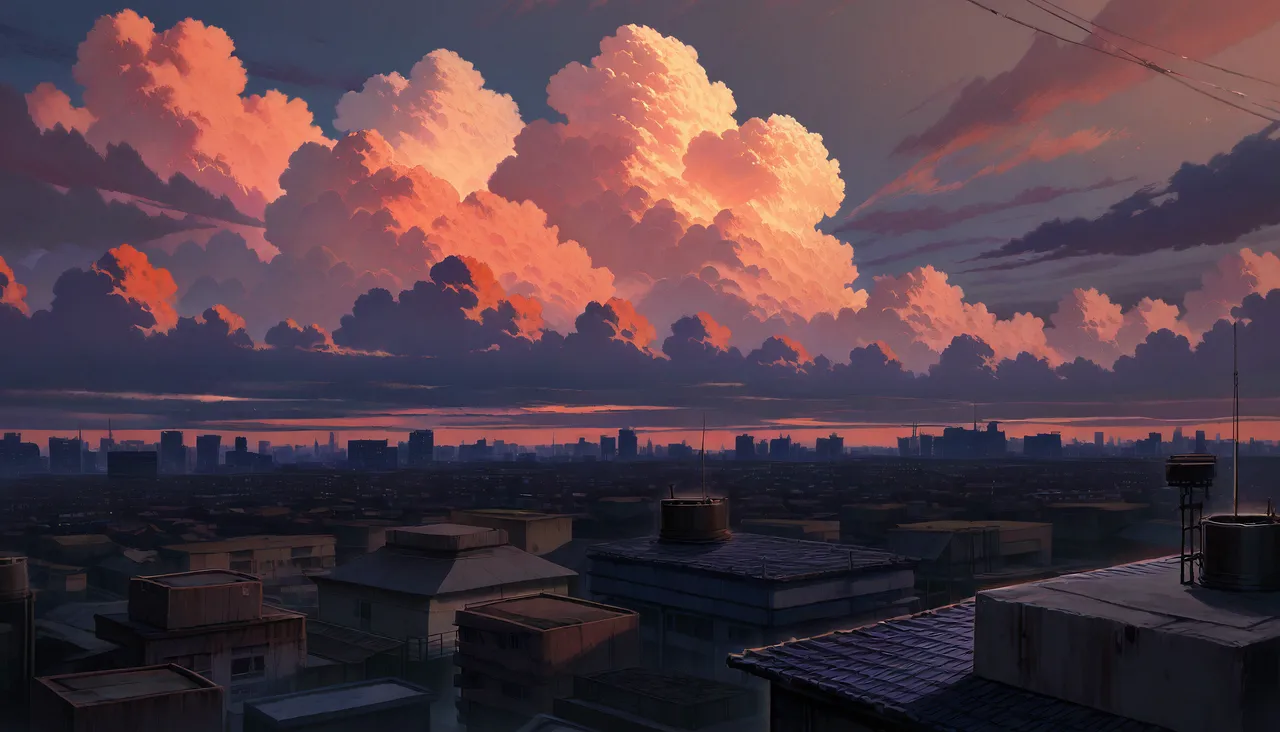
An anime city rooftop with water tanks and power lines, the skyline beyond, at four times of day
4K desktop · 5376×3072 · Animagine XL 4.0
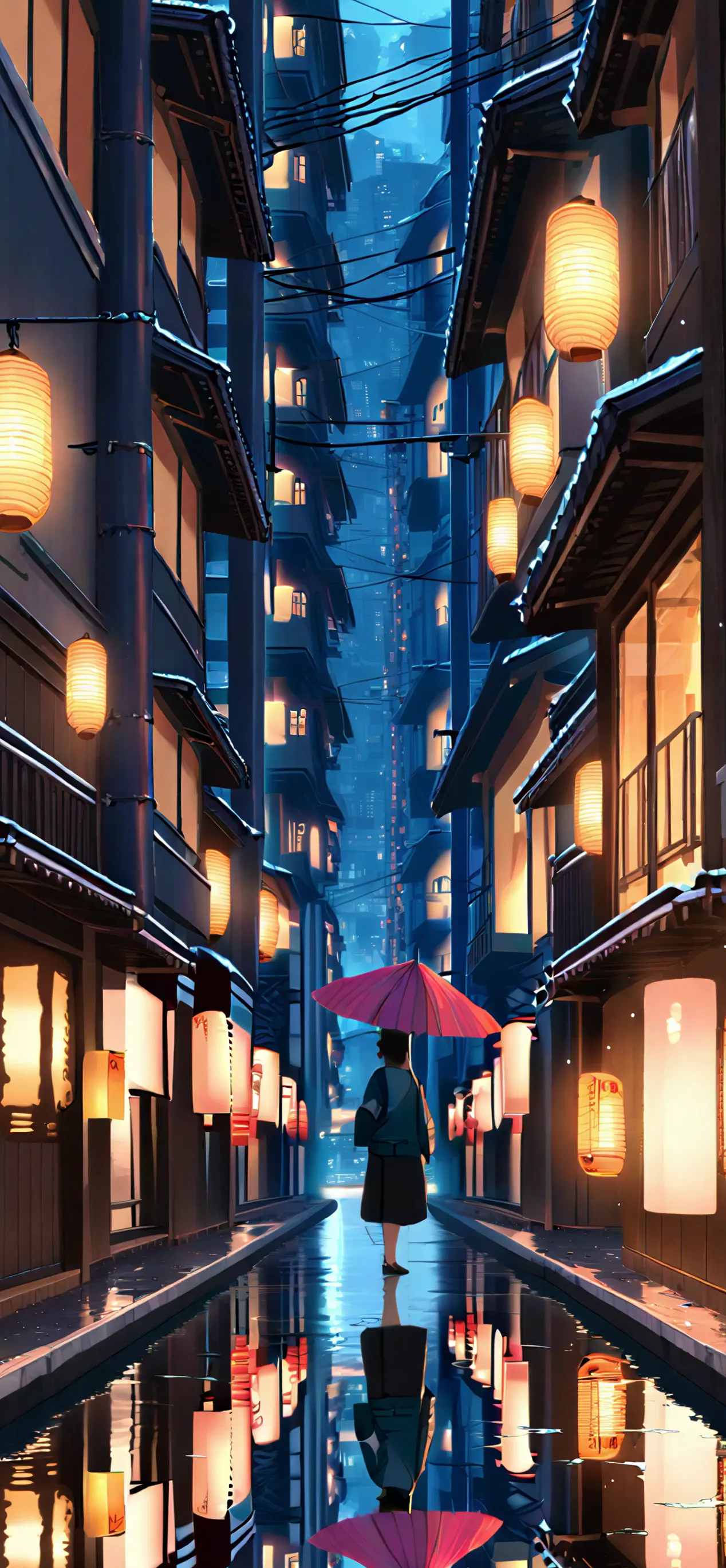
A phone wallpaper of a rainy lantern-lit street at night, a small figure with a pink umbrella
Phone · 1296×2800 · Animagine XL 4.0
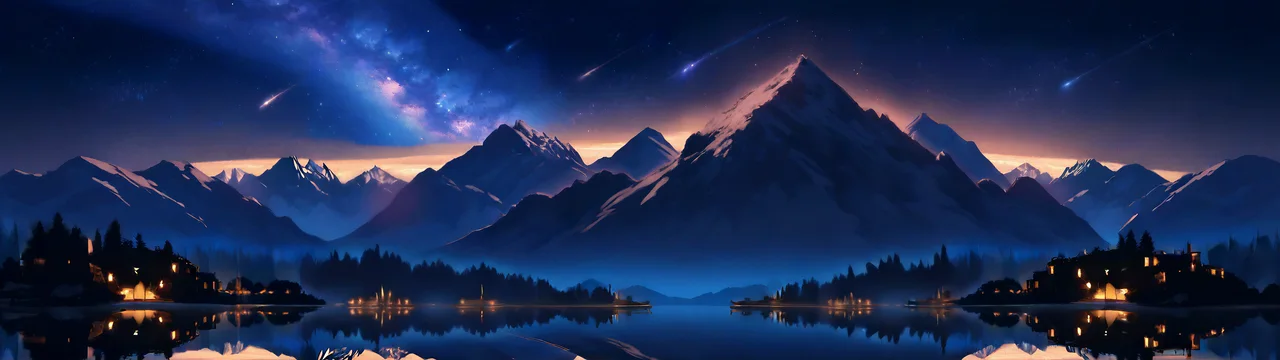
A 32:9 dual-monitor wallpaper of a mountain lake under the milky way, village lights on the shore
32:9 dual monitor · 6144×1728 · Animagine XL 4.0
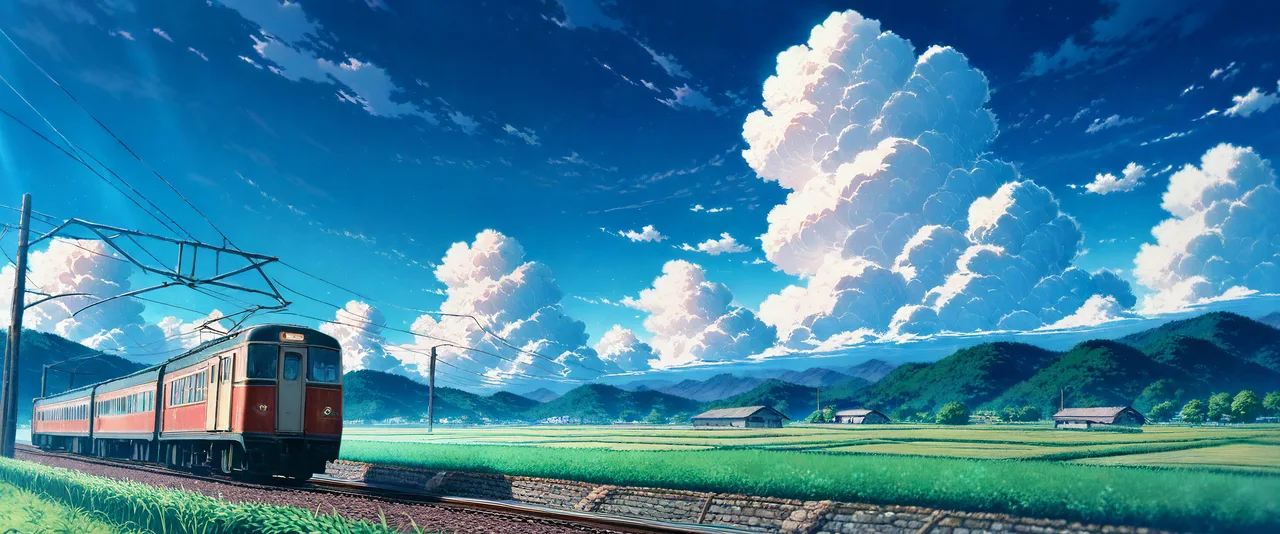
A 21:9 ultrawide wallpaper in a 1990s anime look, a small train crossing green fields under summer clouds
21:9 ultrawide · 6144×2560 · Animagine XL 4.0

01

Why the screen comes first

Most generators draw a square or a 16:9 picture and leave the cropping to you. That cuts the moon off a phone wallpaper or leaves a 32:9 panorama blurry at the edges. Here the draft is composed for the shape you chose, with the horizon, the subject and the empty sky where that screen needs them, and only then upscaled. The exact device sizes (for example 1179×2556 for a recent iPhone or 5120×1440 for a 49-inch monitor) are then cut from the master in your browser, at no extra charge.

02

Wallpaper sets from morning to night

Tick "Wallpaper set" and the 4 drafts become one scene at morning, day, dusk and night. They share one seed, so the buildings, trees and skyline stay put while the light changes. Upscale each one you want and set them to rotate through the day on your phone or desktop.

03

Phones and auto-detected sizes

On a phone, the download menu offers "This screen", the exact pixels of the device you are holding, alongside common presets. The master is tall enough for the lock screen clock and the home screen icons; keep the busy part of the scene in the lower two thirds if you use large widgets.

Credits per round and per wallpaper

You see the cost before a job runs. Failed and refused jobs are refunded. Plans and credit packs

Drafts are drawn with Animagine XL 4.0 at 18 credits each, 4 to a round. The wallpaper price is the upscale of the draft you pick.
ScreenRound of 4Wallpaper
Phone1296×28007211
Tablet2304×17287211
1080p / 1440p2688×15367211
4K desktop5376×30727223
21:9 ultrawide6144×25607223
32:9 dual monitor6144×17287223

Common questions on this topic

What sizes can I download?

Each screen has a master size, up to 6144×1728 for 32:9. Exact device sizes are cut from it, such as 1290×2796, 2560×1440, 3840×2160, 3440×1440 and 5120×1440. On a phone you can also pick the exact pixels of your own screen.

Do I pay again for each device size?

No. You pay once for the drafts and once for the upscale; every size cut from that master is made in your browser and is free.

Can I use the wallpaper commercially?

The wallpaper is yours to use on your own devices and in your own projects as the Terms set out. Do not use it to imitate a specific studio, series or character.

Can I ask for a scene from my favourite anime?

No. Series names, studio names and named characters are refused, so every scene is original. Describe the place in your own words instead, for example "a seaside town with a steep street and a tram".